
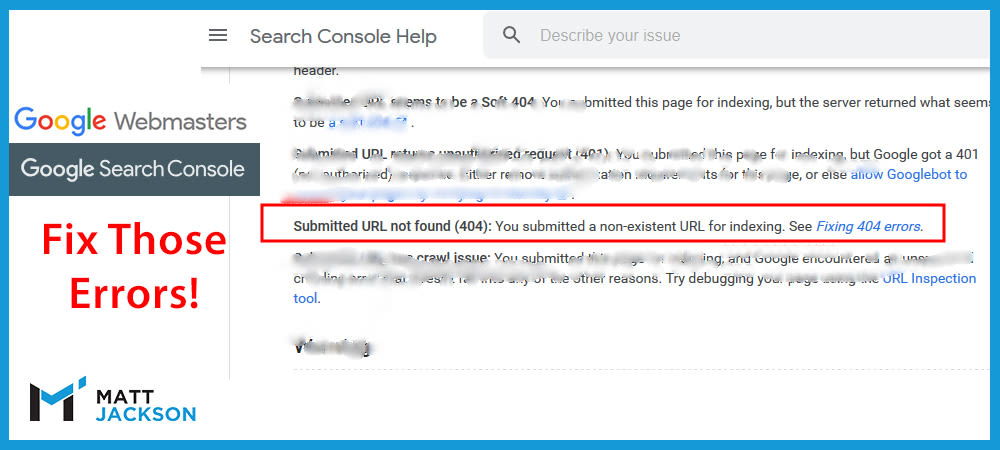
This is a common error where the Sitemap isn’t automatically generated, or it has to be manually updated / refreshed.
Essentially, it means that the sitemap contains a URL that is missing (providing a 404 not found error).
When does this occur?
This problem can occur when:
- You delete an old page, without updating the sitemap.
- You manually updated a sitemap with the wrong link.
As stated above it is more common with sites that require manual refreshing or editing of the sitemap.
How to fix it?
To fix this error, simply update the sitemap so it only contains live URLs on the website.
If you have previously included URL miss-spellings then these should be corrected instead of deleted.
After updating the sitemap. you can ask for a Validation Request in the Google Search Console.
Need help?
I spend most days analysing Google Search Console for websites, and I can help you fix your errors and improve your Google rankings.
Learn more about my services here, or email me at info@matt-jackson.com
