
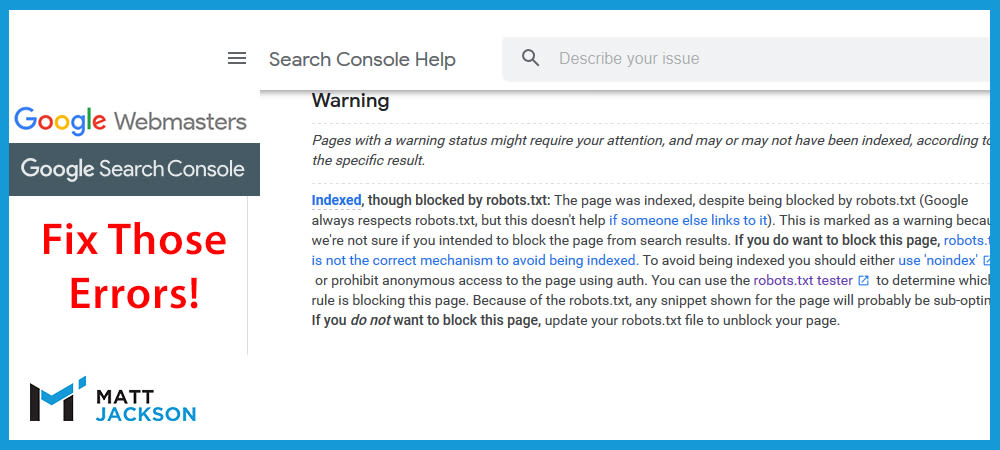
Almost everyone who runs a website of any size will have this message in Google Search Console.
It’s a constant yellow stain on anyone who likes to run things without errors.
But is it worth fixing?
That depends on the reason behind it, let’s investigate.
When is this not a problem?
Now as an ecommerce SEO expert, I am very familiar with the problems of large ecommerce sites, and so using the robots.txt file is paramount to optimise Google’s crawl rates.
If you are blocking “crawl black holes” or similar useless extra pages from Google bot, then these warnings are fine to ignore.
Examples of when it’s not a problem:
- Your robots.txt file blocks filter urls on your category pages, because you have 1,000+ potential variation combinations, and would exponentially slow Google down.
- You have removed the block and are waiting to be recrawled (in which case use the validation button in Search Console).
Even though Google explicitly says that you shouldn’t block filter pages using the robots.txt file, I have found it to be effective on the sites I work with, and so I recommend doing it.
Google crawls the internal links to your filter pages on your site, so often indexes some of them even if they’re blocked by the robots.txt. You can set them to noindex, remove the block, wait for Google to crawl, then reblock, but the problem will come back eventually.
Blocking via the robots.txt is a lesser of two evils.
When is this a problem that needs fixing?
If you have blocked a page by accident, then you want to find and remove the rule in the robots.txt page as fast as possible, as Google may still de-index the page when it’s blocked, or at least show the warning message in search results instead of your meta description.
If there are only a low number of pages being blocked, then it is best to use the noindex property on the pages themselves (and remove it from the sitemap) rather than blocking via the robots.txt file.
How to fix it?
To fix this, you should audit your robots.txt file to identify rule that’s blocking the pages.
You can find the Google robots.txt tester page here: https://www.google.com/webmasters/tools/robots-testing-tool
You should edit or remove the rules affecting the pages you want to fix.
To do this, export the urls from Google Search Console flagged as “Indexed, though blocked by robots.txt”, and find the offending rules by pasting the string into the testing tool, and seeing which line is flagged as red (note it may be multiple lines blocking any one url).
These rules will most likely be there for a reason, so ensure you re-add modified rules to keep excluding bad urls, while allowing any urls you wish to be indexed.
You can edit the file in the testing tool, then copy the new rules to overwrite in your existing robots.txt file in file manager/FTP.
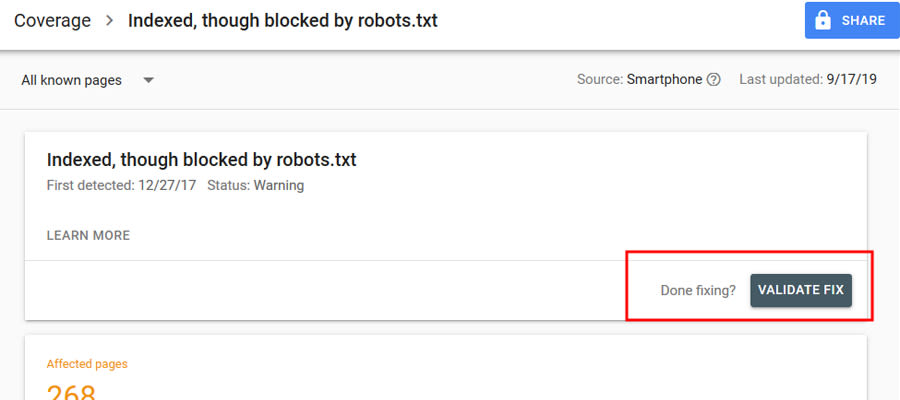
After you have fixed the file, click the “Validate Fix” button in Google Search Console and follow the steps.
Need Help?
I deal with these issues everyday, and so I’m in a good position to help you fix your errors, and improve your traffic from Google.
Contact me today via email to inquire (info@matt-jackson.com) or see my services page.
