
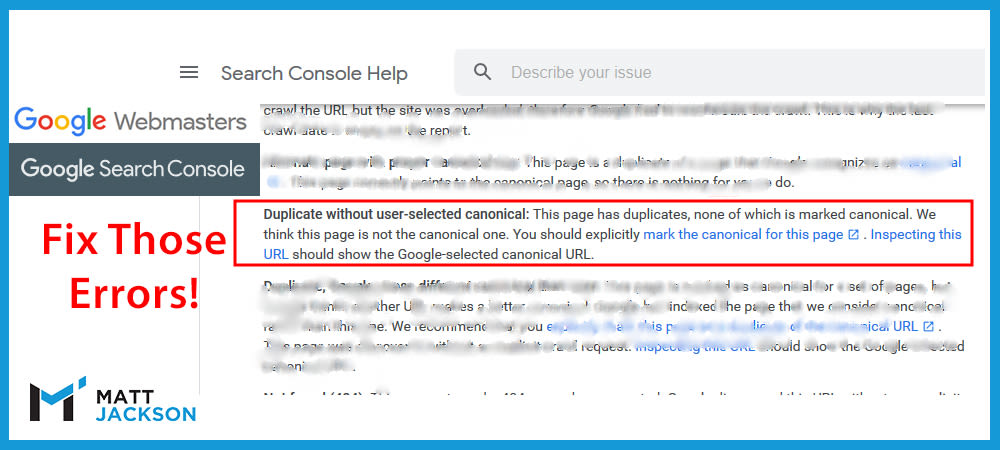
Duplicate pages and no canonical tag?
You’re asking for SEO problems!
Perhaps this is simply some forgotten page on your site.
But if it’s an important page, then fixing this should be your #1 priority.
Why is this a problem?
If you have two very similar pages, then the canonical tag is used to tell Google which one to show in search results.
This prevents issues such as keyword cannibalisation (where more than 1 page competes for the same term, and overall they rank worse than a single page).
This error in Google Search Console tells you that Google has decided these pages aren’t the main versions of the duplicate pages.
Here is an example:
- You have an Ecommerce category page at domain.com/category
- You have a filter on that page, creating the url domain.com/category?filter
- Neither has a canonical tag.
- Google decides to use the Filter page as the main page in search results, ignoring the main category page.
- Result: The snippet and on page are not optimised for the target term (different page title, smaller product range, etc), resulting in a lower ranking page and less clicks.
How do you fix this problem?
The fix for this problem is simple – implement proper canonical tags across your website.
If you have an ecommerce category page with filters, ensure the canonical tag points to the main category URL on all filter variations.
Example:
- The canonical for domain.com/category is domain.com/category
- The canonical for domain.com/category?filter1 is domain.com/category
This ensures you tell Google to rank the main pages on the website that are fully optimised.
The implementation of your canonical tag will differ depending on the type of CMS, eg Shopify, Woocommerce, Opencart, etc.
Need Help?
I’m very familiar with the canonical problems you can face on your website, and I can help you fix it.
Email me to get some help, at info@matt-jackson.com
